


 XEN Create
Removing elements using the Vary (Region) feature
With Midjourney's latest inpainting feature, eliminating unwanted elements from your images no longer requires switching to another tool!
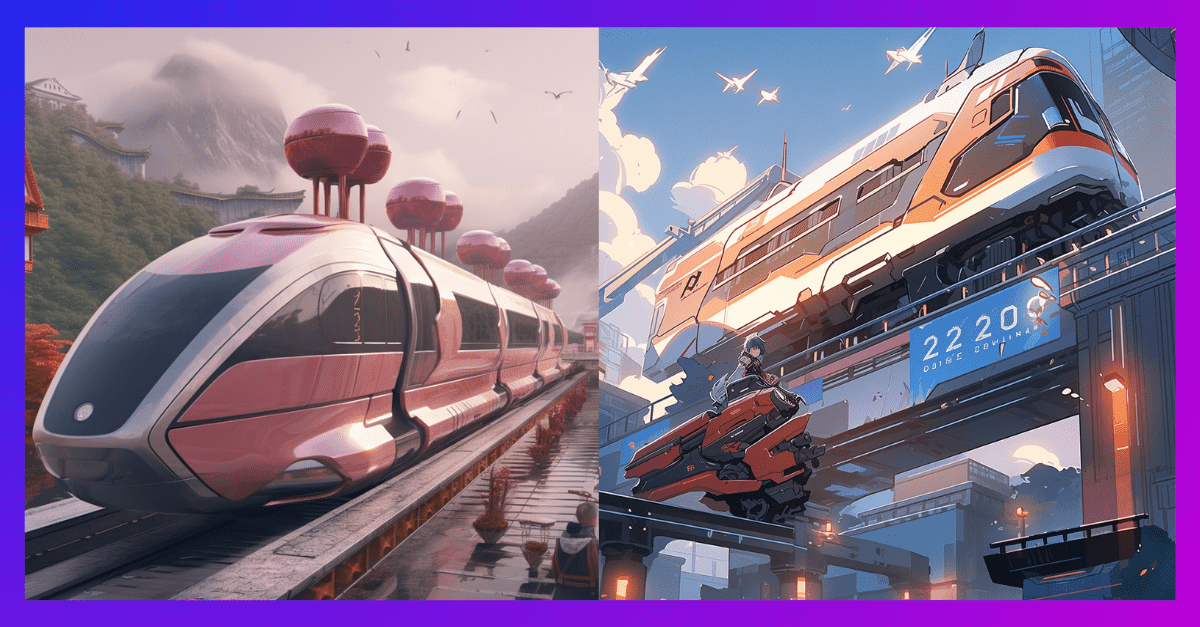
Elevate your image stylization with the power of the "version" parameter!
While the default is typically the latest version, why not indulge in a bit of time travel? Explore older models using the version parameter or "--v." Alternatively, fine-tune your experience through the "/settings" command. Each model injects a unique charm into different image styles.
Now, let's dive into a sneak peek of what Midjourney envisions for our future transportation system. Behold, a gallery of images created using a range of different versions.
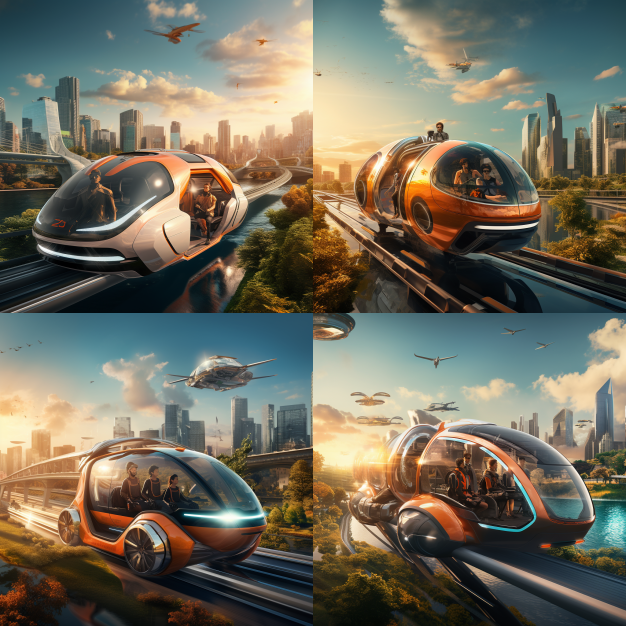
Prompt: future mode of transportation in the year 2120 --v 5.2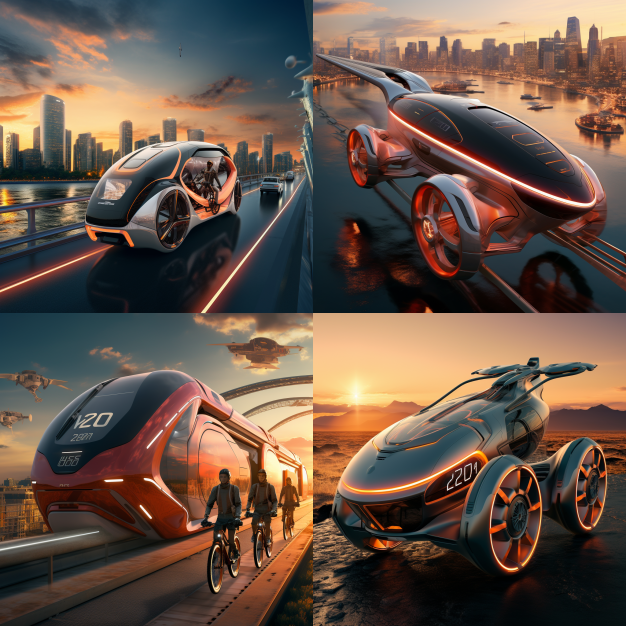 Prompt: future mode of transportation in the year 2120 --style raw
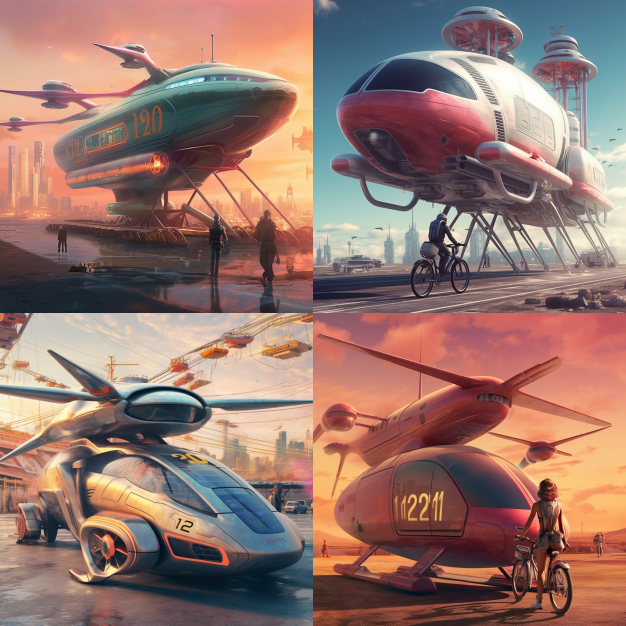
Prompt: future mode of transportation in the year 2120 --v 5.1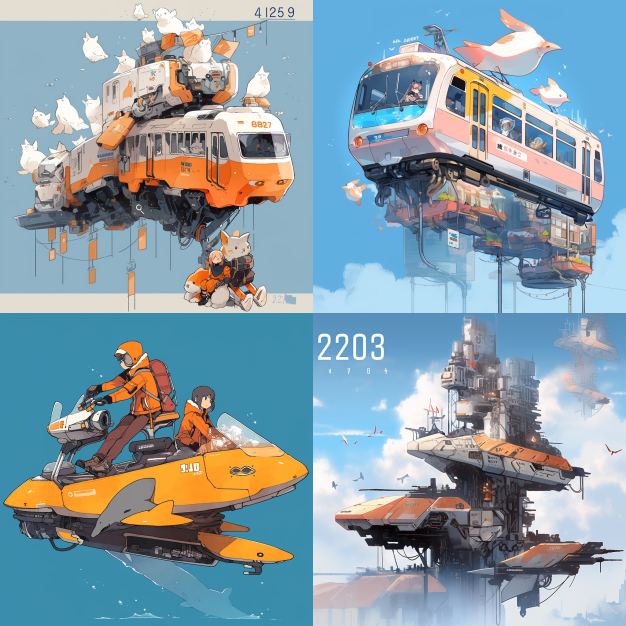 Prompt: future mode of transportation in the year 2120 --niji 5 --style cute
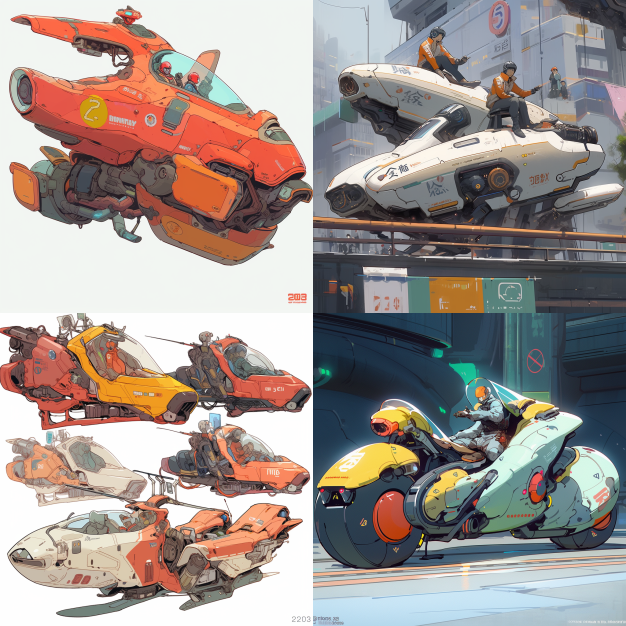
Prompt: future mode of transportation in the year 2120 --niji 5 --style expressive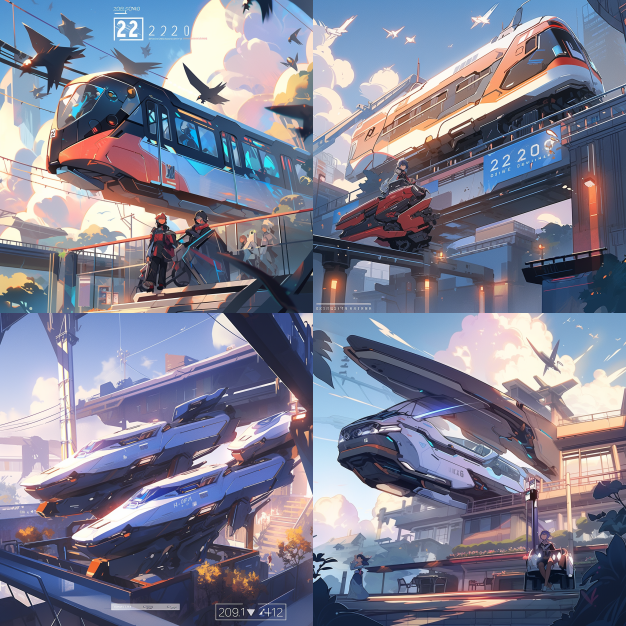
Prompt: future mode of transportation in the year 2120 --niji 5 --style scenic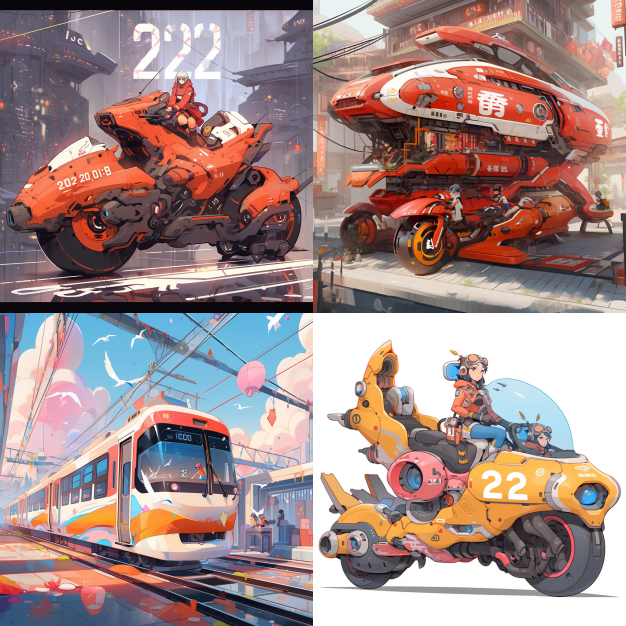 Prompt: future mode of transportation in the year 2120 --niji 5
Journey to the future with Midjourney. #NeverUseAStockImageAgain
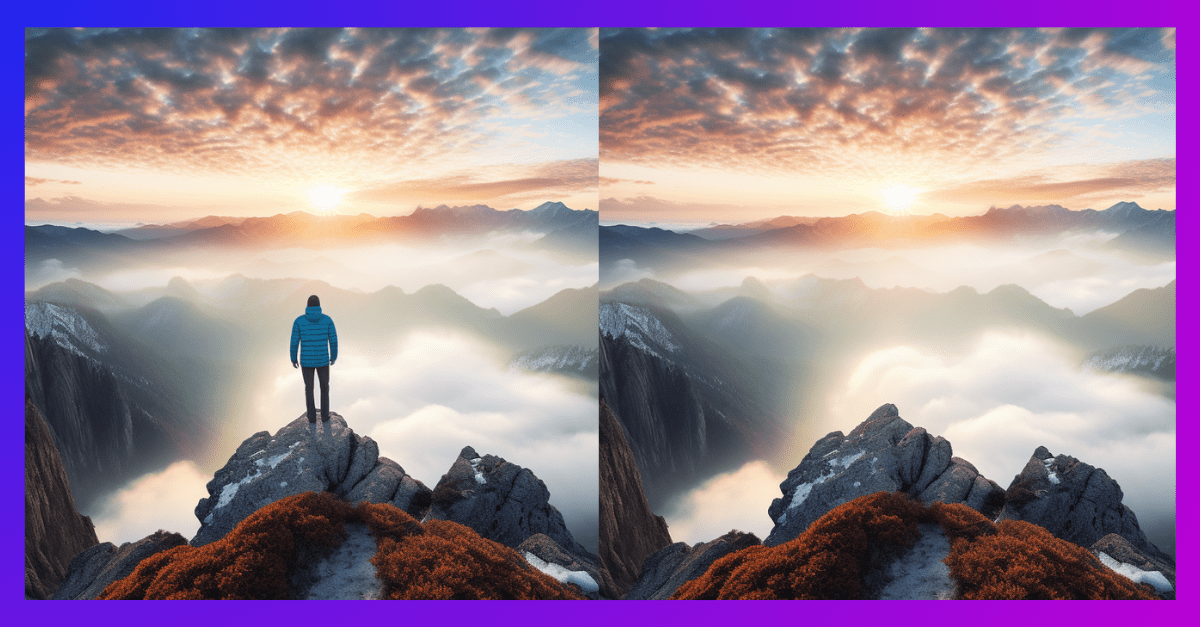
With Midjourney's latest inpainting feature, eliminating unwanted elements from your images no longer requires switching to another tool!
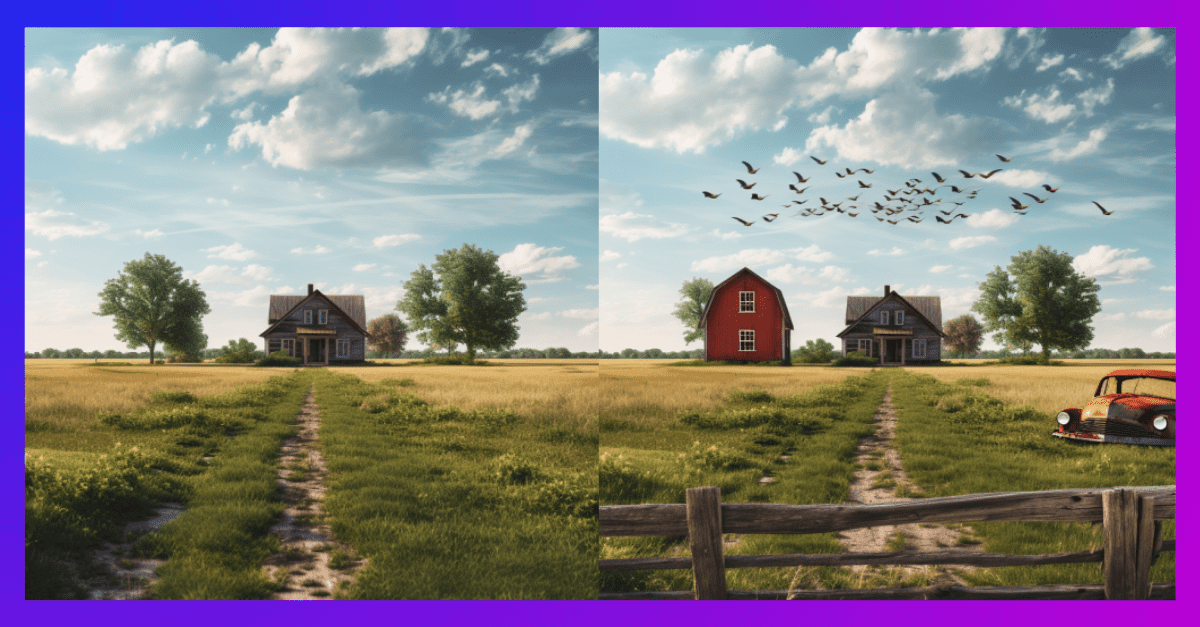
Discover the art of utilizing Midjourney's Vary (Region) feature to elevate your images to the next level.
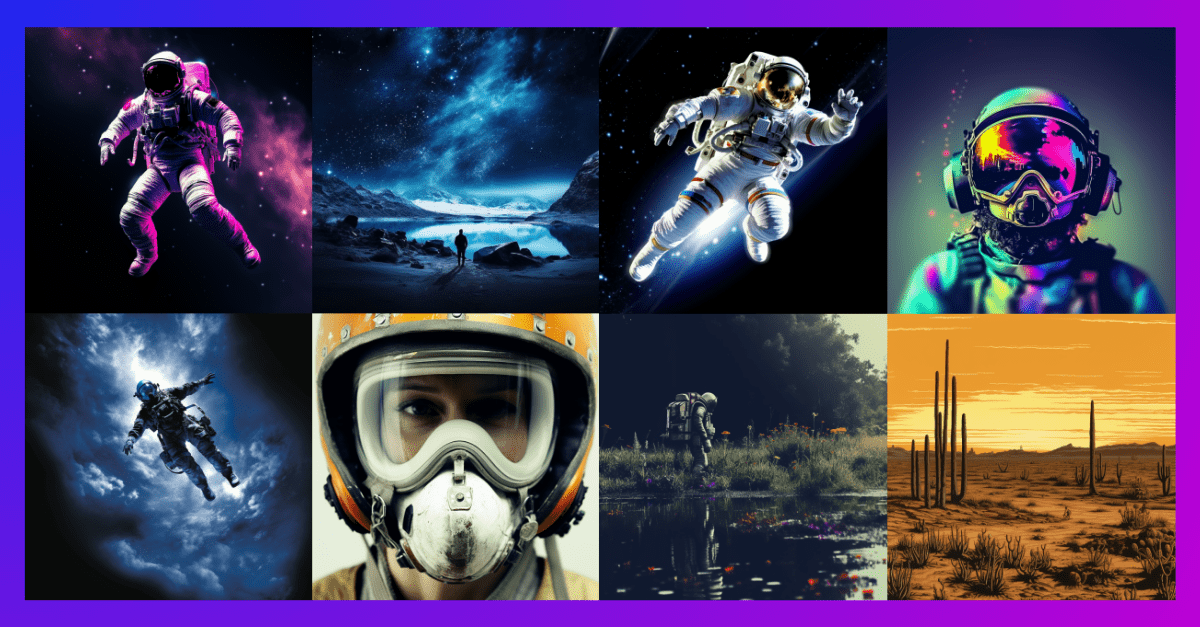
Generate multiple images within Midjourney using a single /imagine command, with the repeat parameter.