


 XEN Create
Diving into the Power of Midjourney's Stylize Parameter
Uncover the transformative potential of Midjourney's Stylize parameter! Learn how adjusting the stylize value helps you craft unique AI-generated...
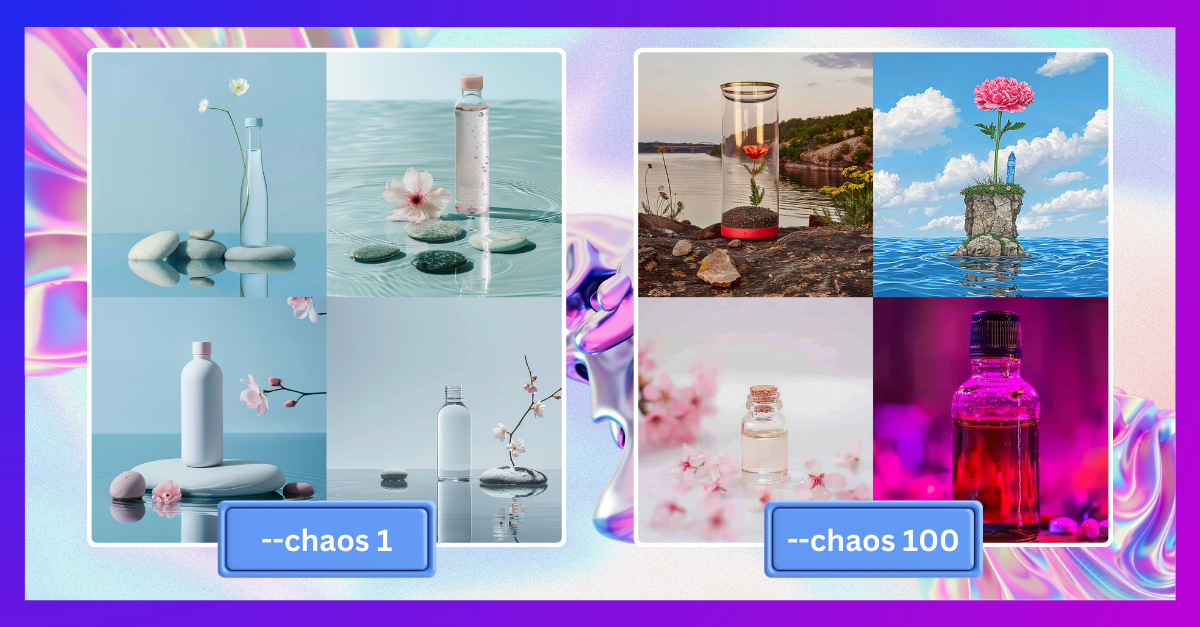
When using Midjourney, you’ll encounter a range of parameters and features, among which is the Chaos parameter.
So, what exactly does the Chaos parameter do? When you ask Midjourney to generate an image based on a prompt, it’ll present you with four variations. Now, here’s where the Chaos parameter comes into play: it allows you to adjust the degree of diversity among these four images.
To apply the Chaos parameter, simply add --chaos or --c followed by a value from 0 to 100.
Let’s delve into the impact of the Chaos parameter by experimenting with the same prompt but varying levels of Chaos.
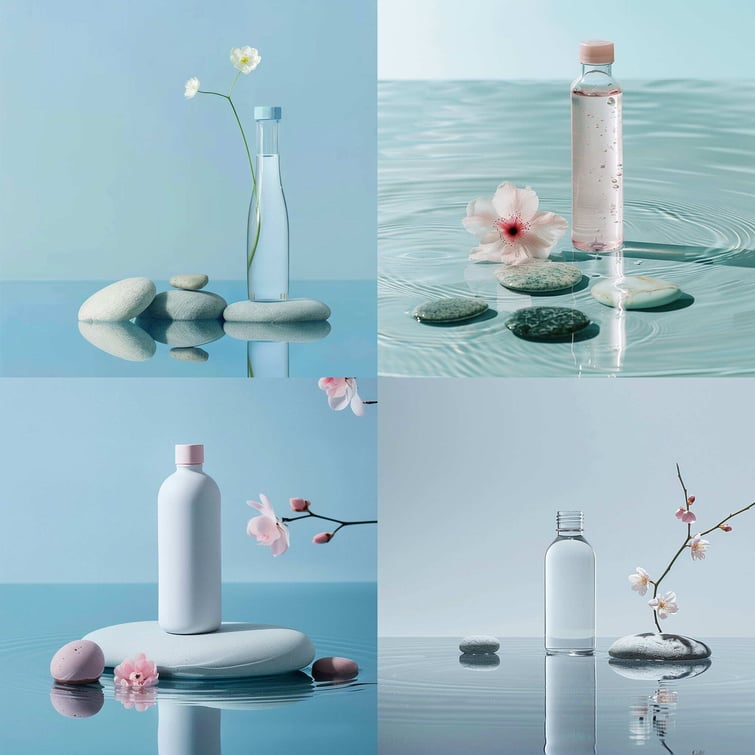
Prompt: Minimal Product photography of a water bottle standing on a water surface, with flower and stones natural lighting, pastel tones, center composition, focus on product --chaos 1 --v 6.0
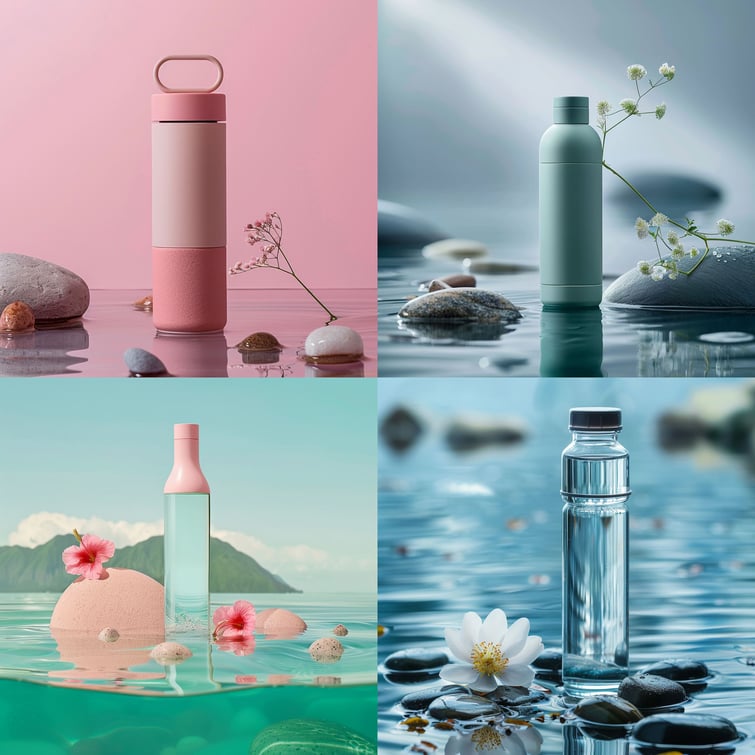
Prompt: Minimal Product photography of a water bottle standing on a water surface, with flower and stones natural lighting, pastel tones, center composition, focus on product --chaos 20 --v 6.0
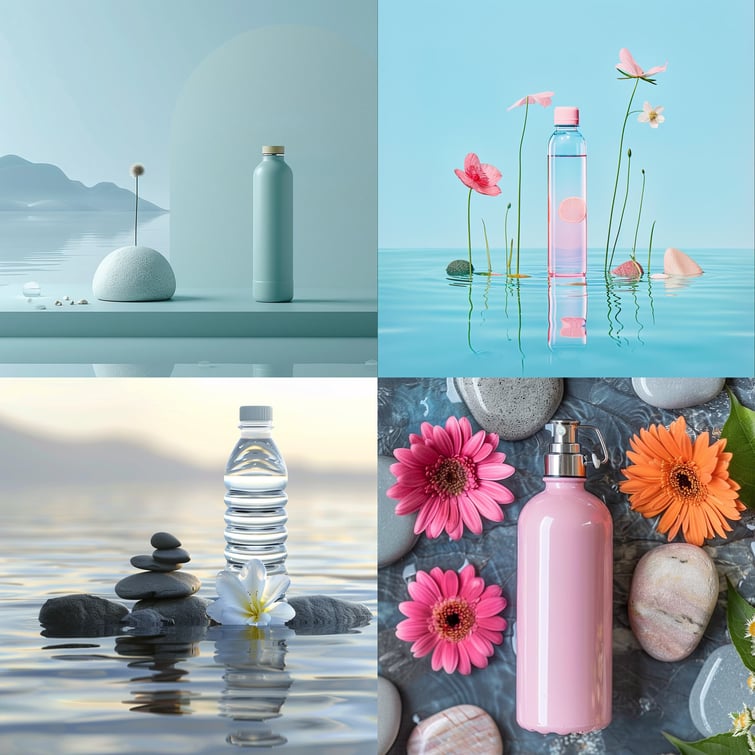
Prompt: Minimal Product photography of a water bottle standing on a water surface, with flower and stones natural lighting, pastel tones, center composition, focus on product --chaos 40 --v 6.0
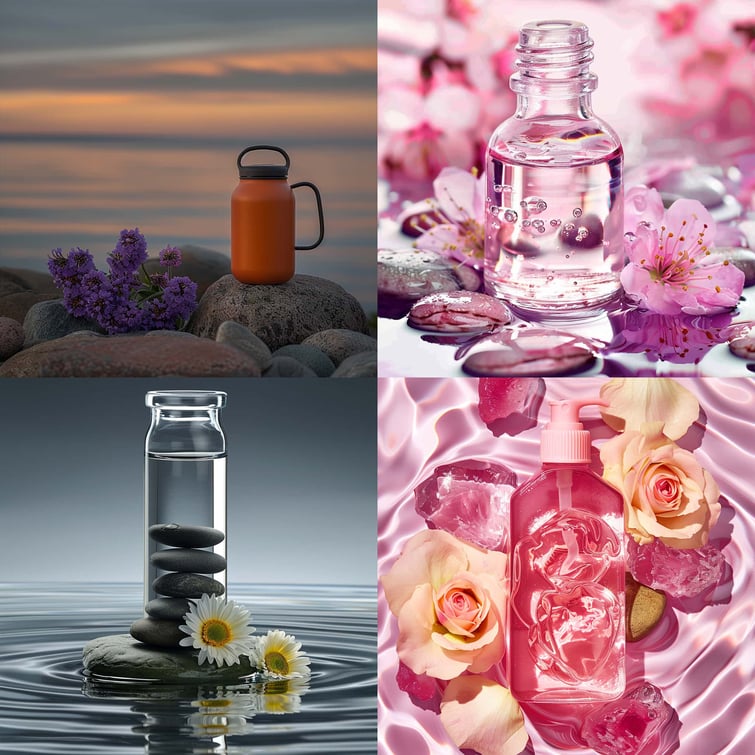
Prompt: Minimal Product photography of a water bottle standing on a water surface, with flower and stones natural lighting, pastel tones, center composition, focus on product --chaos 60 --v 6.0
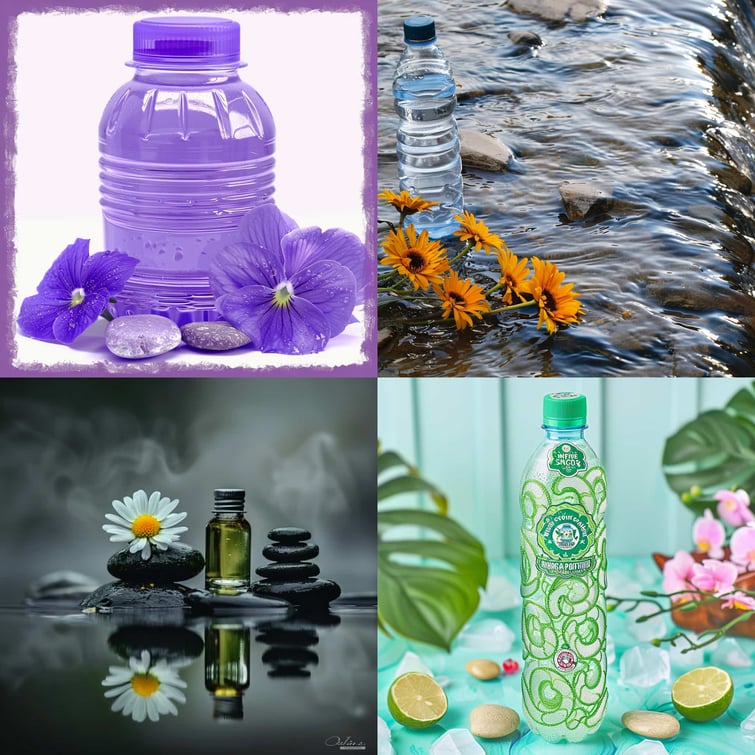
Prompt: Minimal Product photography of a water bottle standing on a water surface, with flower and stones natural lighting, pastel tones, center composition, focus on product --chaos 80 --v 6.0
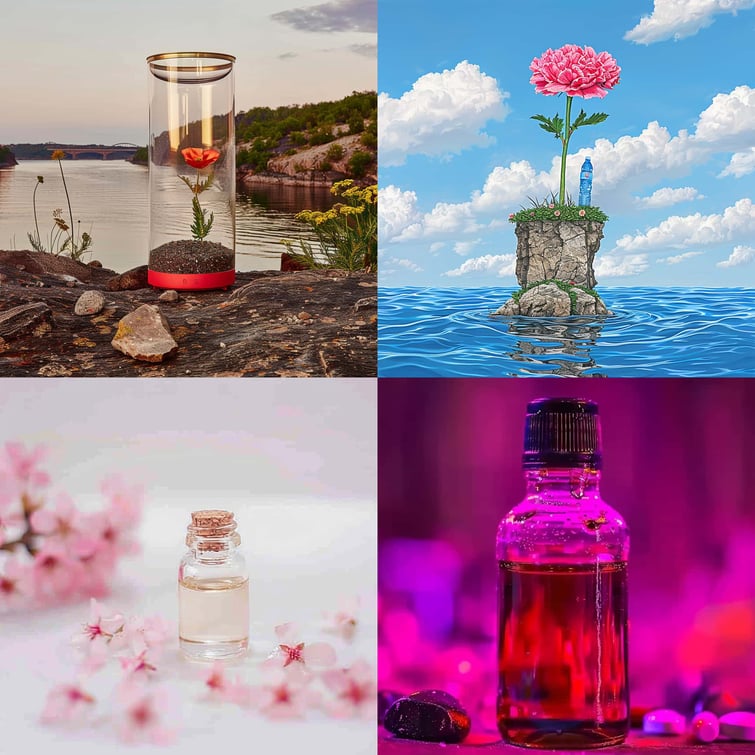
Prompt: Minimal Product photography of a water bottle standing on a water surface, with flower and stones natural lighting, pastel tones, center composition, focus on product --chaos 100 --v 6.0
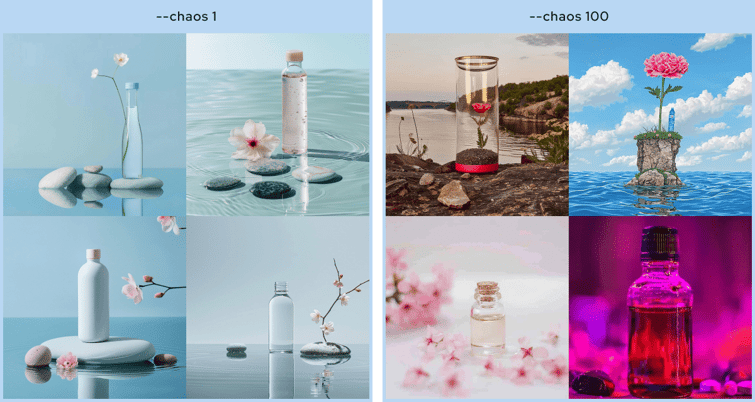 If you notice the images above, increasing the value of the Chaos parameter leads to unexpected results, sometimes deviating from the original prompt. However, this can be advantageous, offering a broader spectrum of results that may spark inspiration. If you’re seeking just a touch of variation, opting for lower values is advisable.
Another important thing to note is that chaos parameter is different from Weird parameter. Chaos parameter focuses on the level of diversity of the 4 images in the initial grid, while weird parameter controls and adds unusual and offbeat qualities to your image.
Want to dive deeper? Download our Midjourney Inspiration Guide or follow us on LinkedIn! We're constantly sharing exciting prompts, fresh visual inspiration, and useful tips to help you create better and unique AI images with Midjourney.

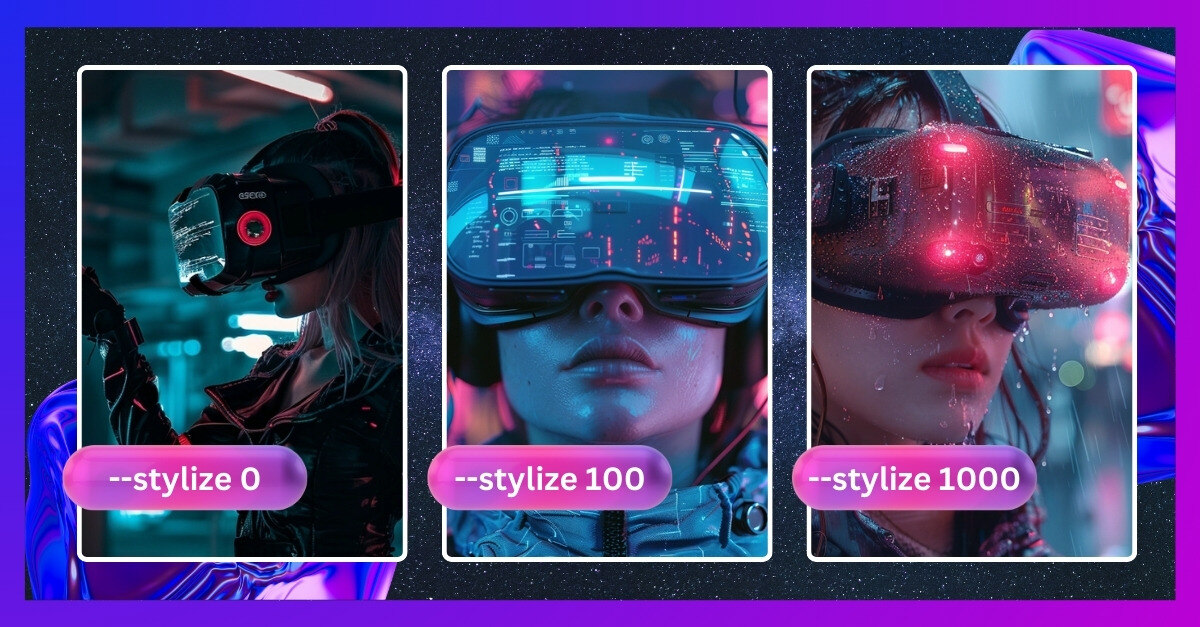
Uncover the transformative potential of Midjourney's Stylize parameter! Learn how adjusting the stylize value helps you craft unique AI-generated...
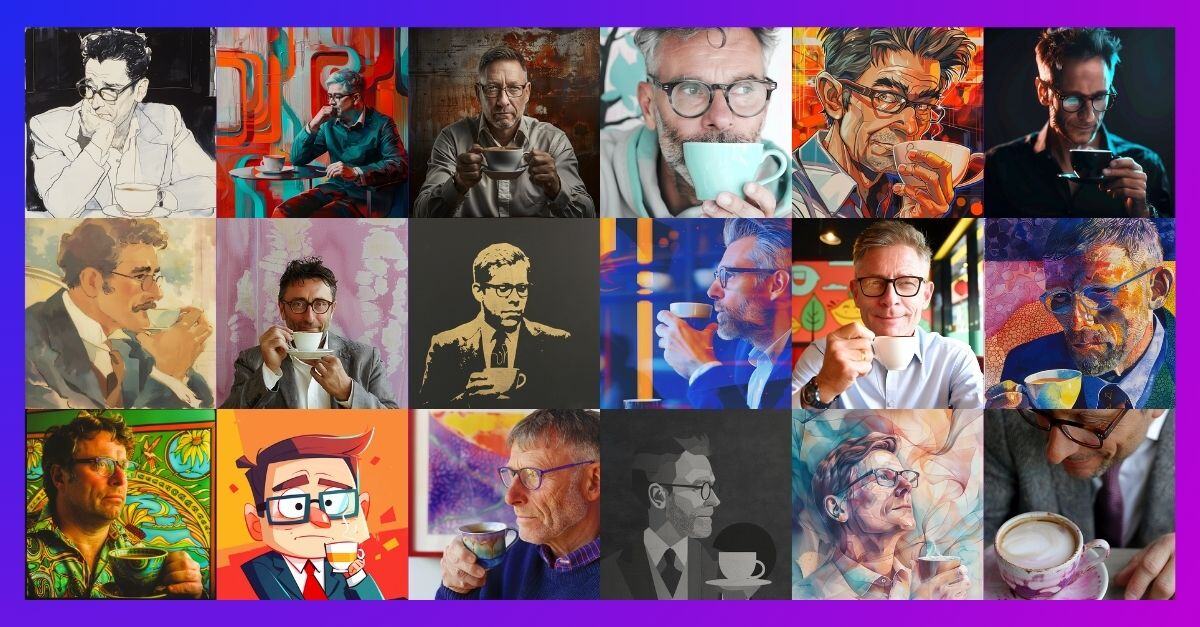
Discover new styles with Midjourney's Style Random feature to create unique images, overcome creative blocks, and spark some visual inspirations.
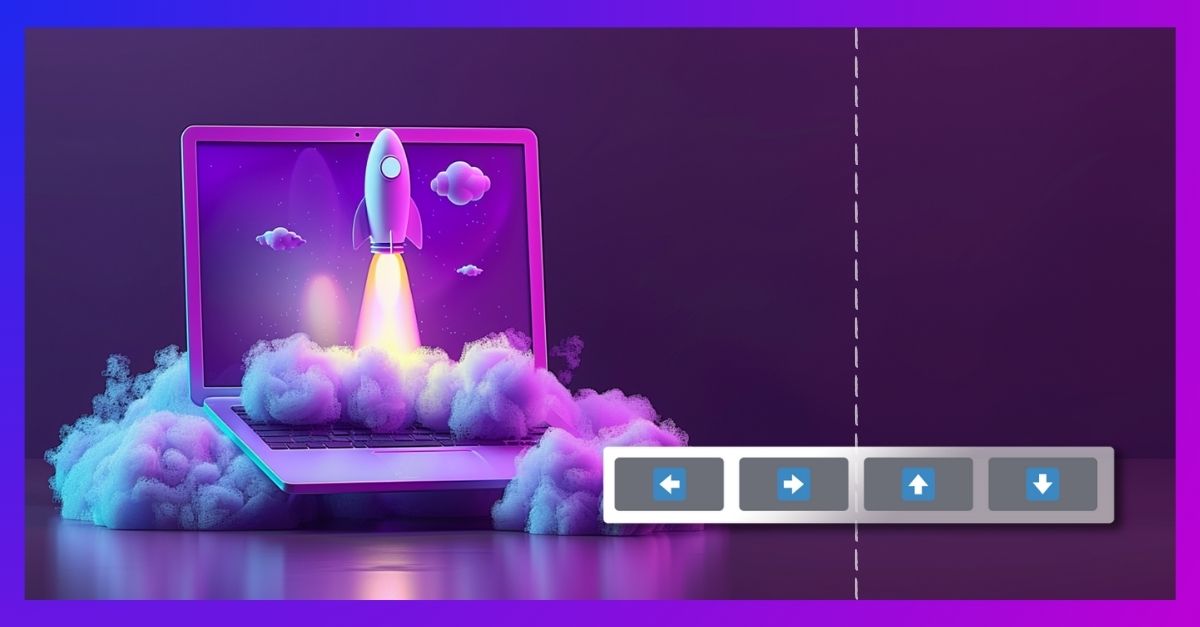
Refine your AI-generated images effortlessly with Midjourney's panning tool. Enhance versatility and effectiveness across platforms with simple...