HubSpot Forms
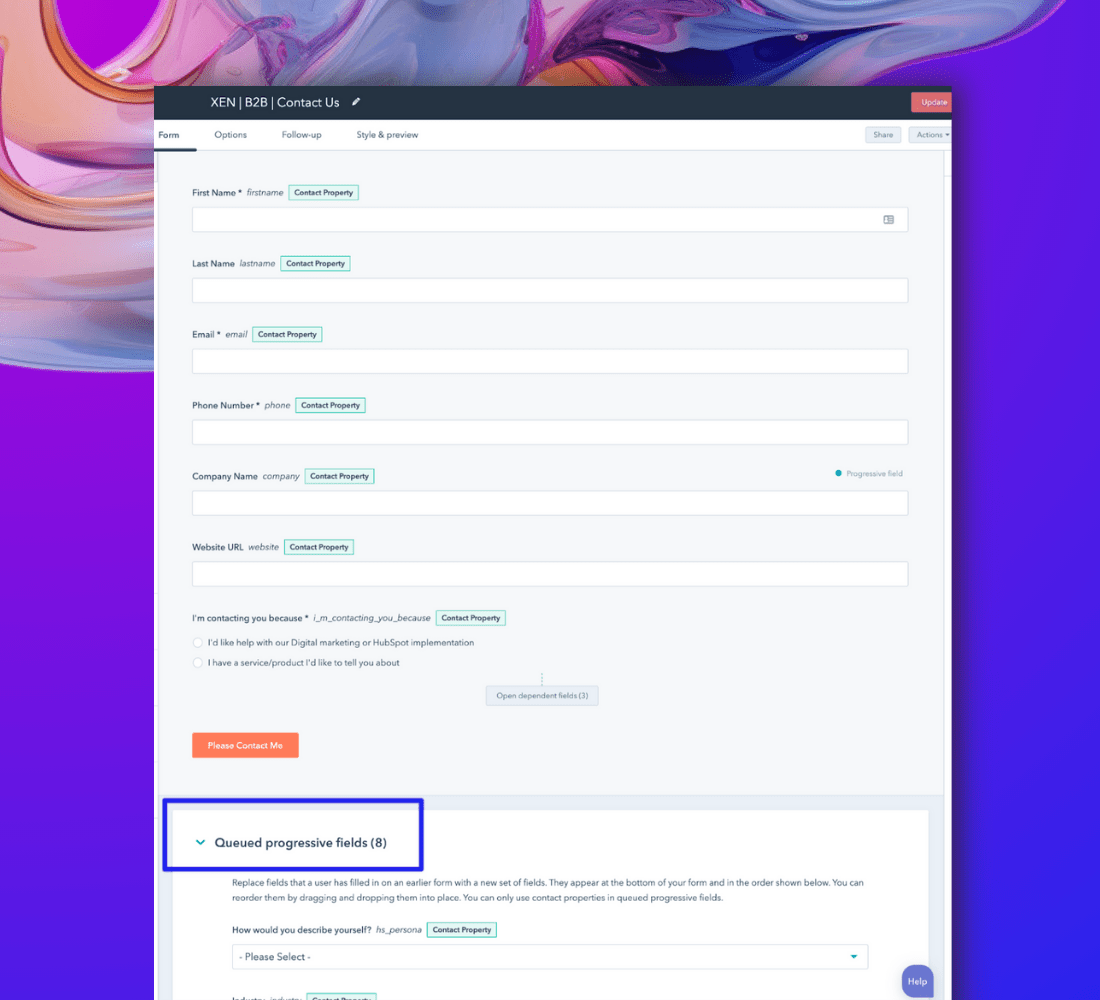
The first task is to organise the form you will use on your landing page. Here are some key considerations when creating your HubSpot forms:
- HubSpot Embedded Forms: Use the same form on multiple pages and employ progressive form fields for efficiency.
- Progressive Form Fields: Switch out known information to prevent overwhelming forms.
- HubSpot Popup Forms: Promote pages and encourage quick signups with popup forms. Use behavioral targeting for audience relevance.
- Using Behavioral Targeting on HubSpot Forms: Show forms only where relevant.
HubSpot Lists
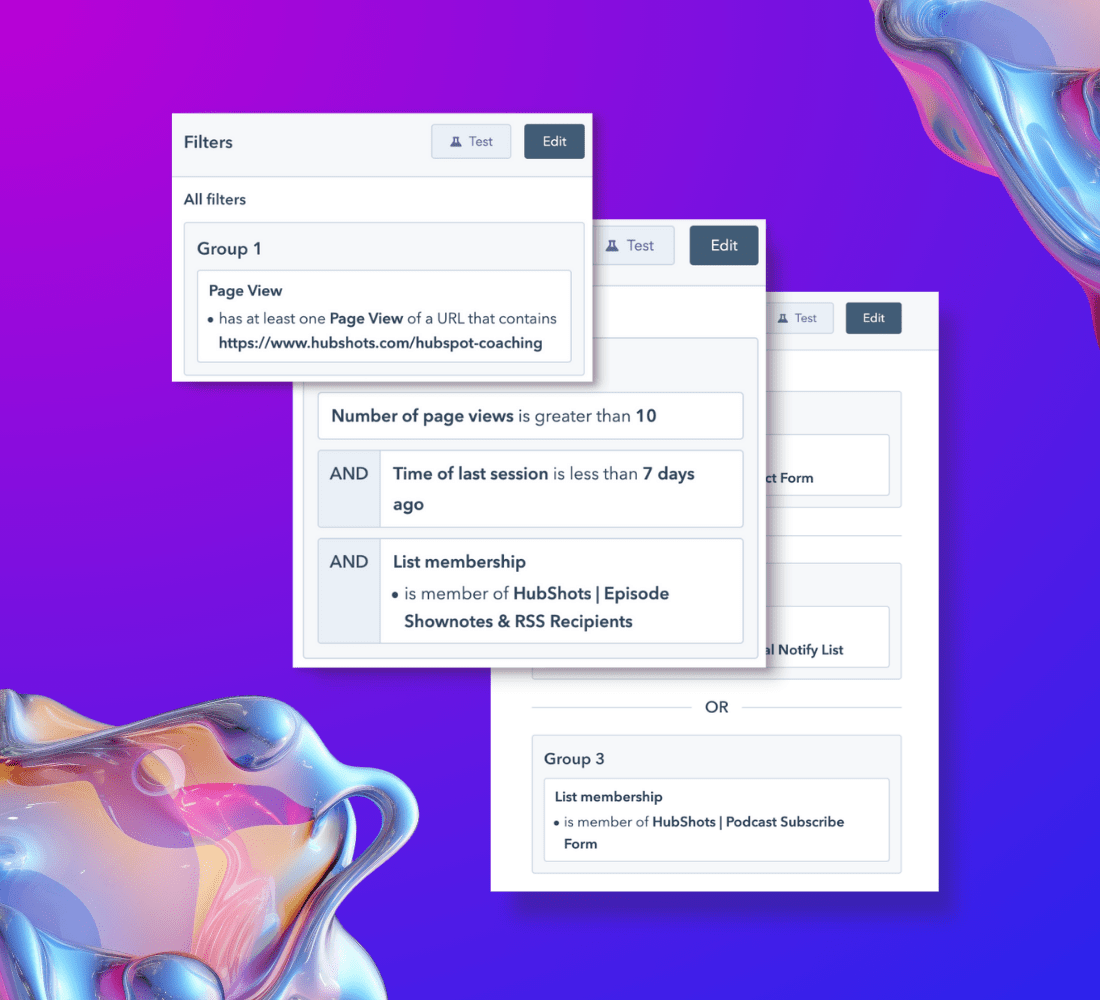
HubSpot’s lists tool allows you to create lists of contacts or companies based on various criteria, such as their details, actions, or if they’re in other lists.
Examples of lists you can create include:
- An active list containing contacts who filled out a specific form.
- A filtered list based on date ranges, e.g. showing only forms submitted in the last 14 days.
- Existing contacts who have viewed a particular page.
- Engaged subscribers who have visited in the last week
- Lists based on lifecycle stage
HubSpot Files
HubSpot provides a familiar file system for uploading content assets like PDFs, videos, and images. Here are some tips:
- Naming Conventions: Employ clear naming conventions to keep your files organised.
- Avoid Spaces: It’s better to avoid spaces in filenames; use dashes instead for better compatibility.
- Consider Different Versions: For large files, like a 50MB PDF, consider providing a smaller, low-res version (e.g., 4MB) as an option for users with slower internet connections.
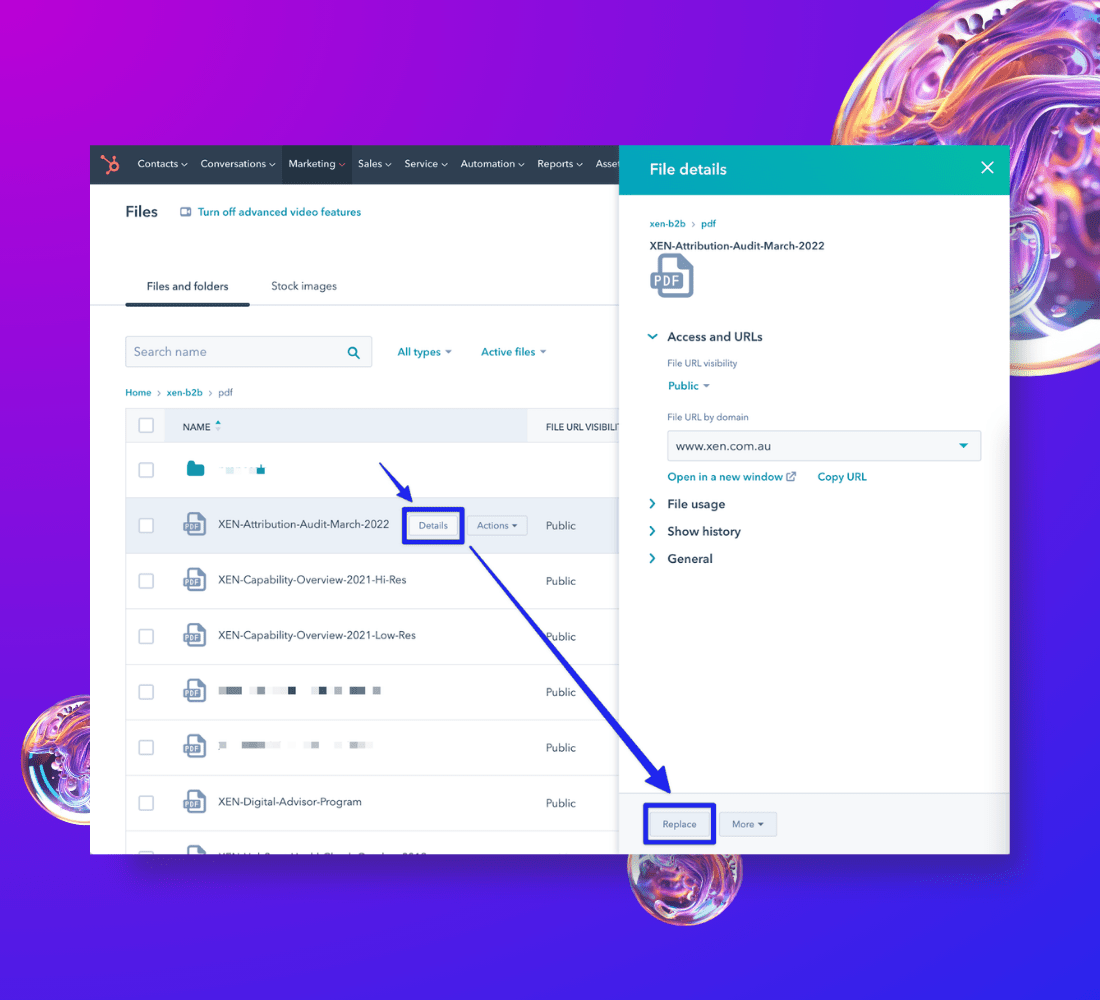
When updating or replacing files, use the “Replace file” option. Avoid adding it as a separate file to prevent the need for updating CTA links and other links in emails and thank-you pages.

HubSpot CTA
What are HubSpot's Call To Action (CTA)?
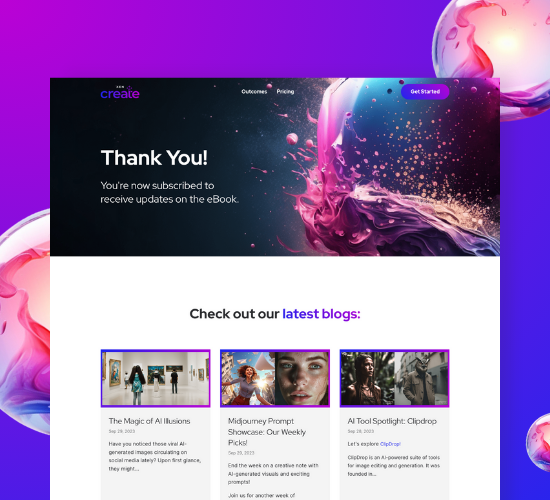
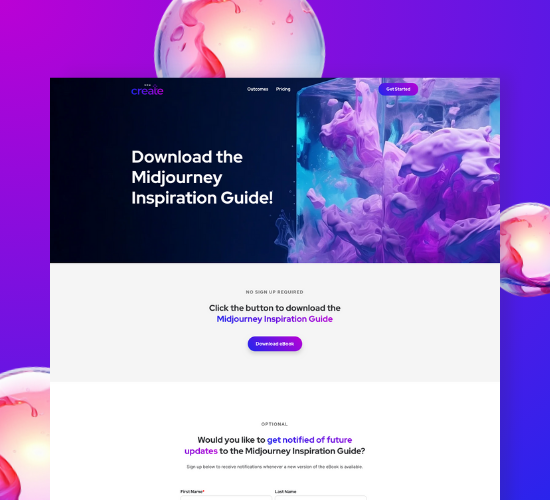
HubSpot's Call To Action (CTA) is an essential tool to guide users to take specific actions.
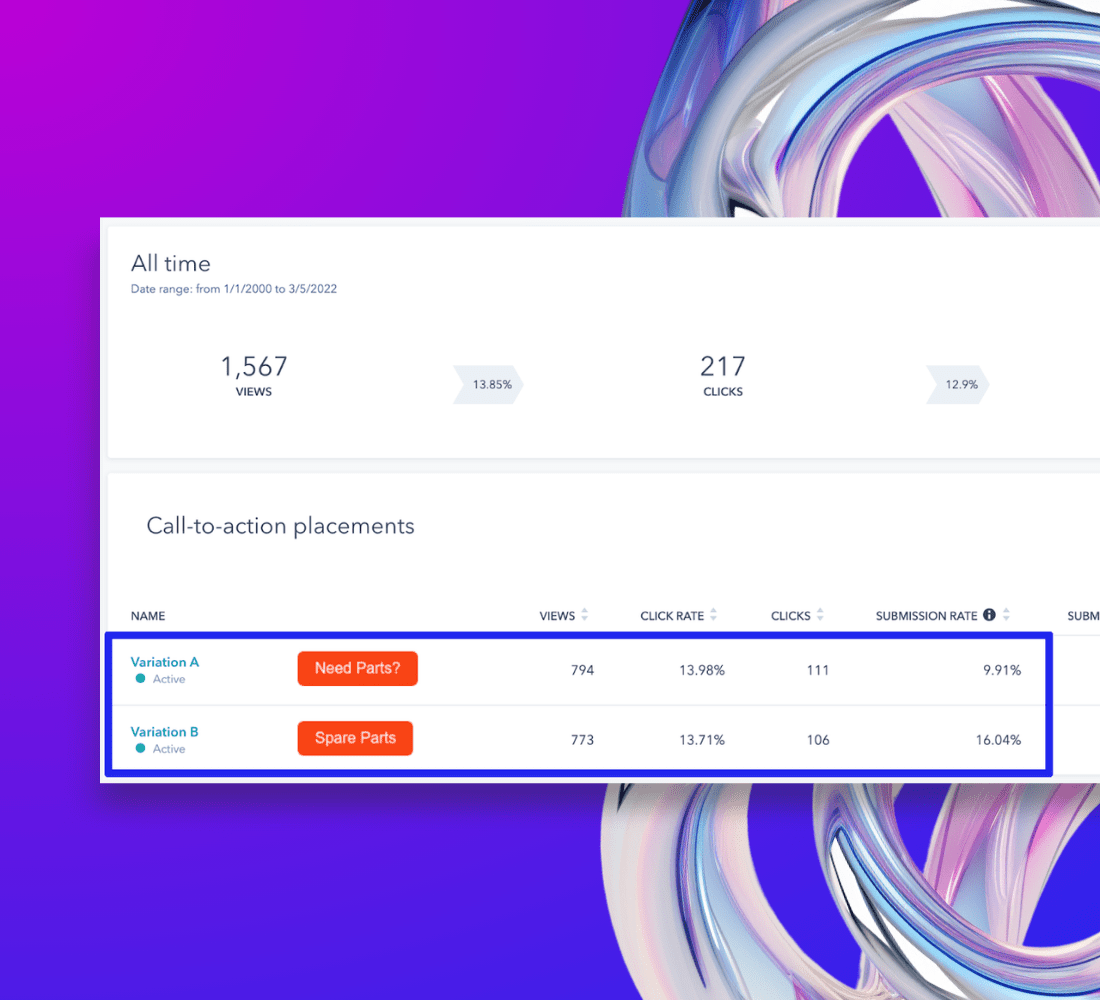
- CTAs offer centralised link management and performance tracking.
- Function as links to assets such as landing pages, download pages, and PDFs.
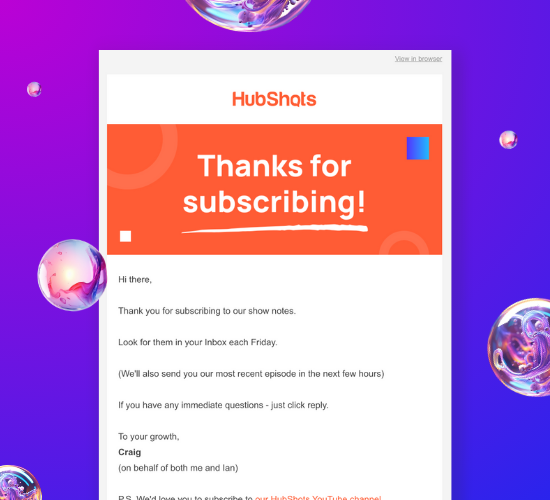
- Used in emails, on web pages, and within navigation menus to effectively guide users.
HubSpot Workflows
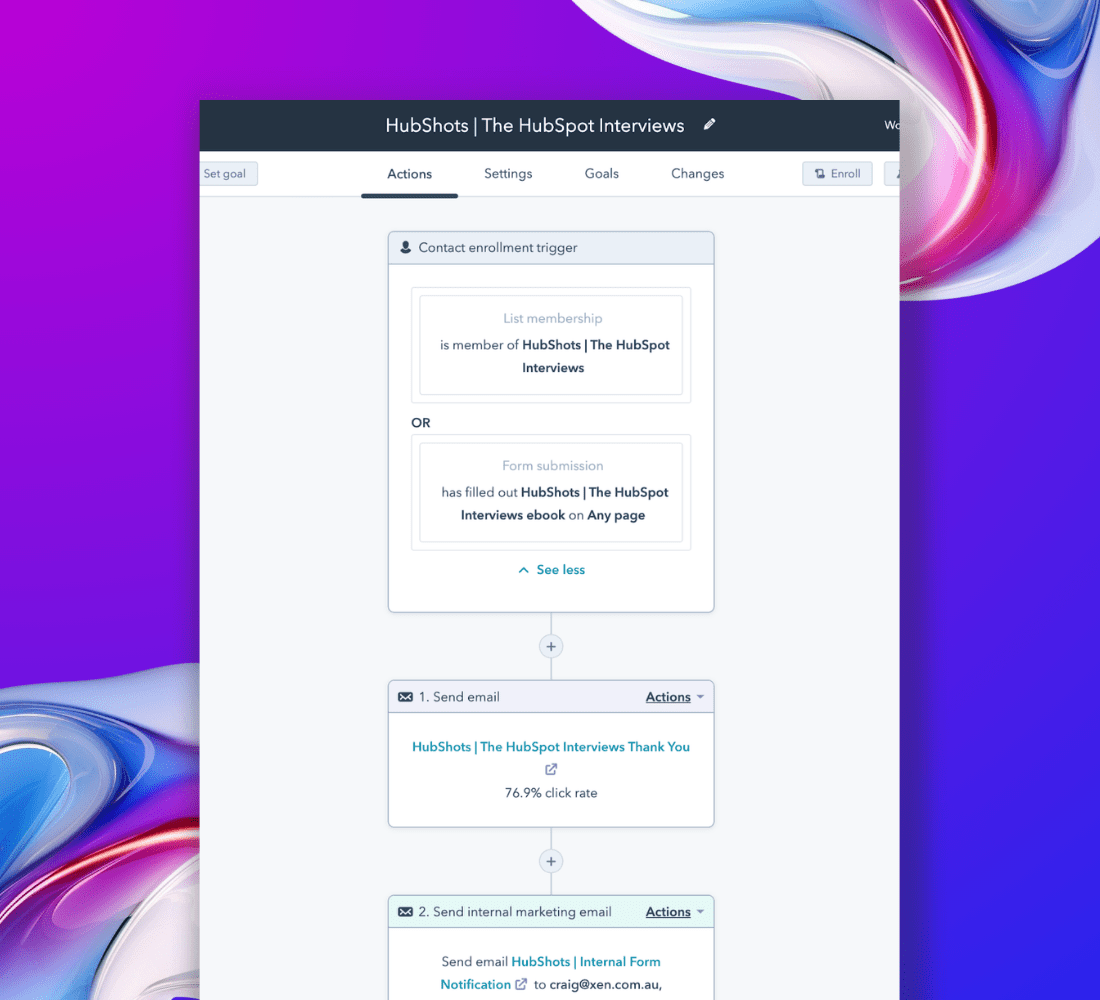
Setting up workflows correctly is crucial for future business scalability. Workflows automate a series of actions, including sending emails, creating tasks, generating new objects (e.g., deals, tickets), and even calling other workflows. Workflows consist of three main components:
- Entry criteria: this triggers the workflow.
- Actions: The automated tasks performed by the workflow.
- Settings: Configuration options for unenrollment and specific times to run
HubSpot Campaigns
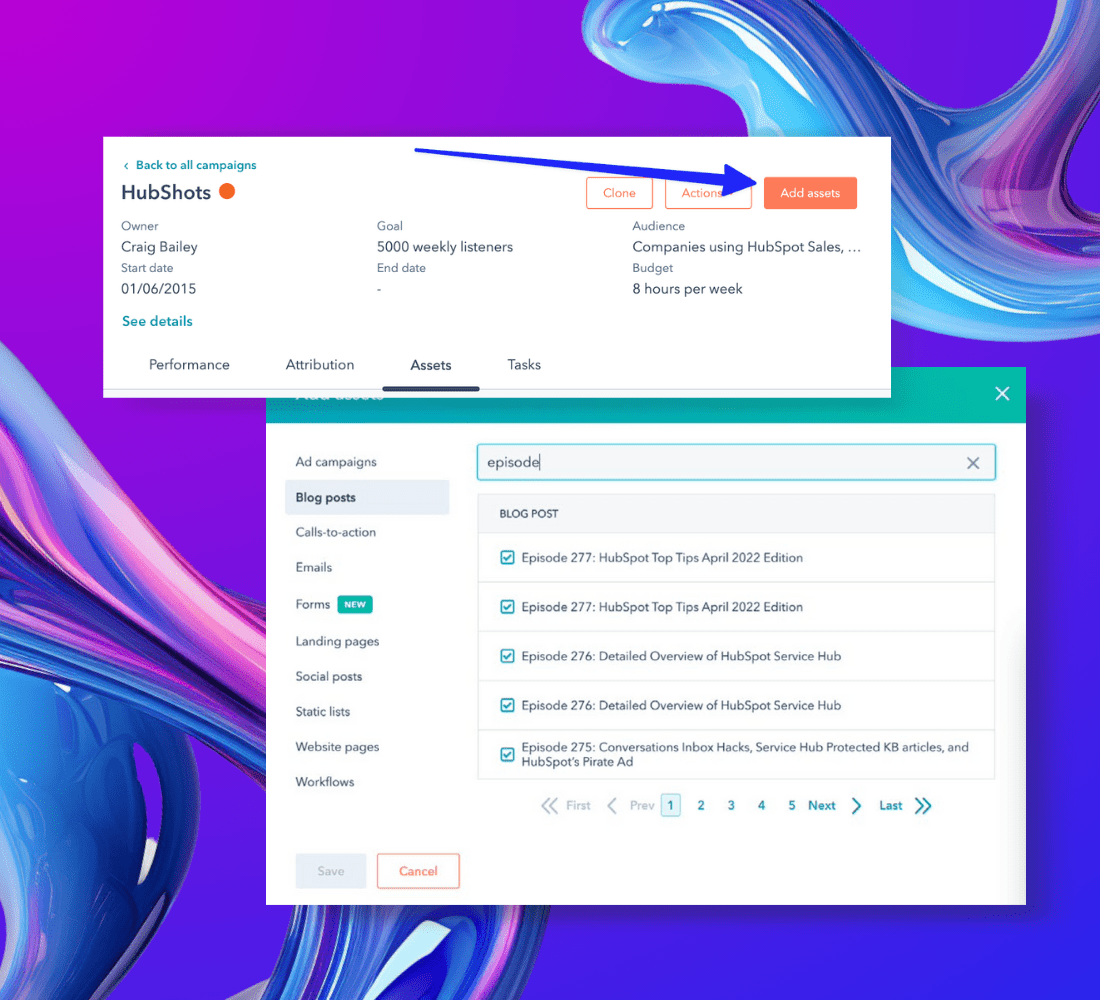
The HubSpot Campaigns tool is valuable because it allows you to tag related marketing assets and content, making it easier to measure the effectiveness of your overall marketing efforts and view campaign attribution.
Some often-overlooked advantages of using the HubSpot Campaigns Tool include:
- Centralised management of marketing channels
- Comprehensive view of campaign tasks
- The ability to assign and track tasks
- Commenting feature for improved collaboration
HubSpot Site Updates
Once campaign assets are in place, they can be strategically positioned across the website for promotion. For time-constrained campaigns, like a webinar happening next month, certain CTAs may appear temporarily in select locations. In contrast, for long-term evergreen campaigns, you can add references in menus, footers and sidebars.
One effective method for promotion, especially on blogs, is to use a banner or CTA in the blog sidebar. Additionally, you can update the navigation menu, homepage with a banner linking to the offer, and the resources page to include the offer among other resources.
HubSpot Report
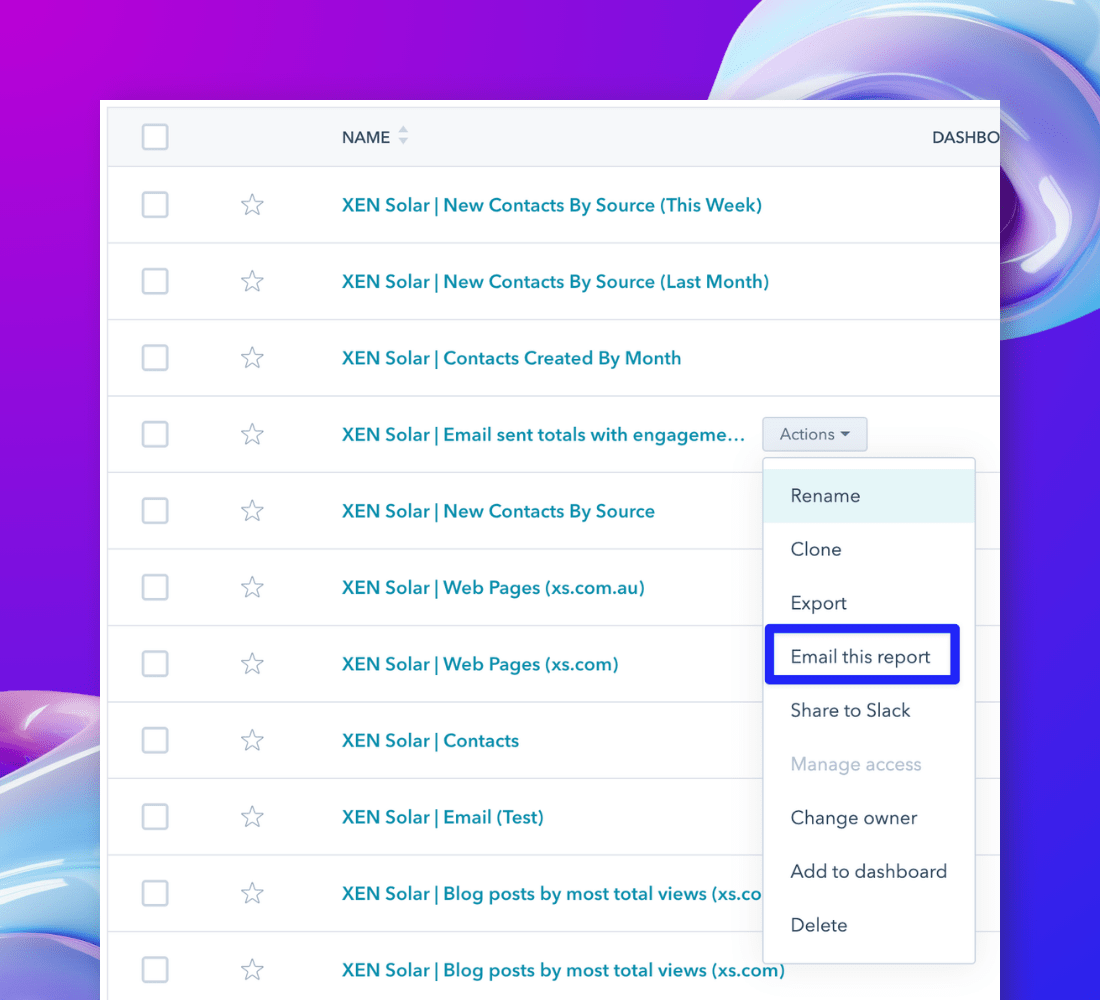
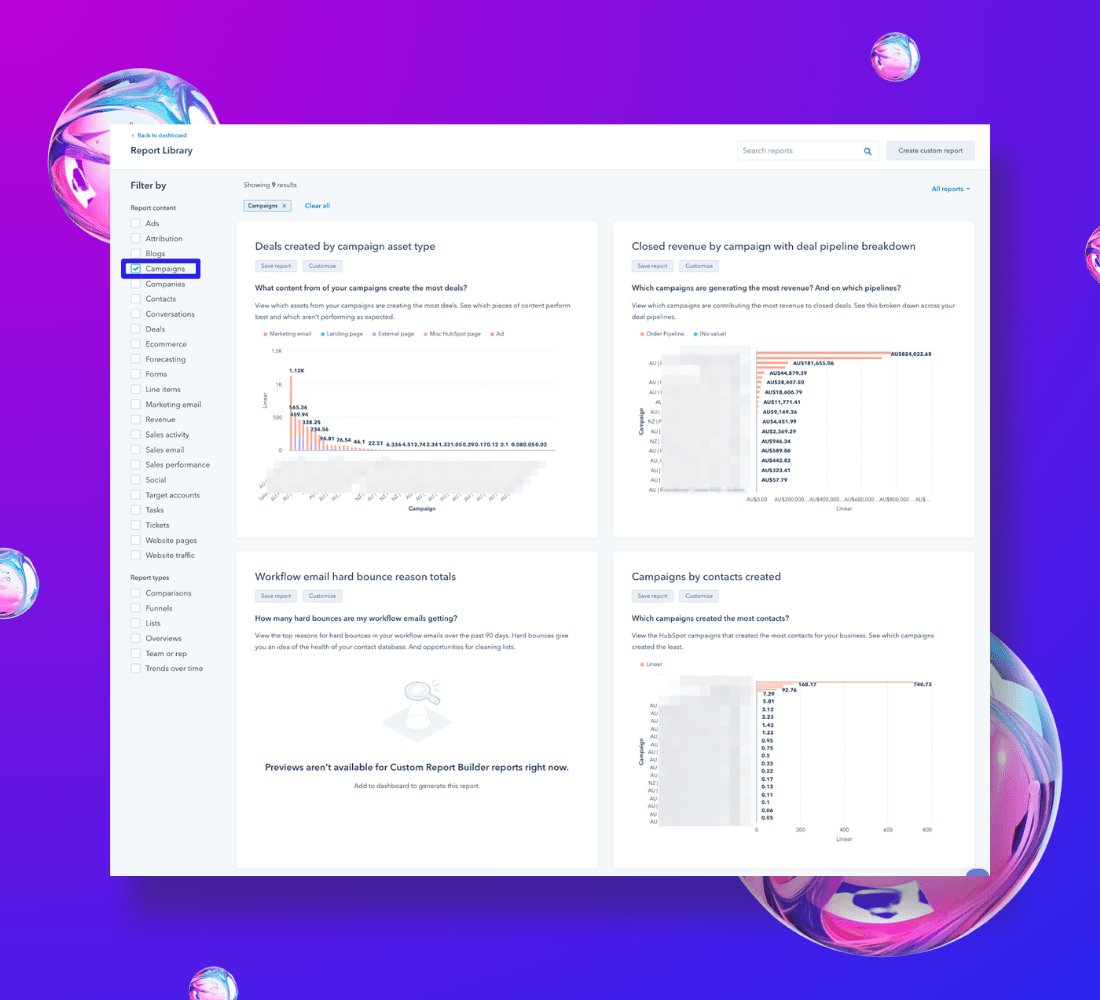
One of the advantages of having lists in HubSpot is their use in generating reports. HubSpot provides a range of pre-made reports accessible in the Report Library, and you can also craft your custom reports.
The benefit here is that when you update criteria within a list, these changes automatically reflect in any reports based on that list. Some typical reports you can create (or customize from the Report Library) cover monthly contacts, segmented by original source and lifecycle stage, deals derived from contacts (attributed revenue), and the impact on contacts, deals, and revenue.
HubSpot Dashboards
Dashboards are simply a collection of HubSpot reports. They also have the ability to:
- Apply filters that affect all the reports on the dashboard, such as setting a date range.
- Schedule email delivery of the dashboard (individual report scheduling is also available).
- Share the dashboard to Slack.
- Include external content, like embedding a YouTube video or a Databox board within a HubSpot Dashboard.
Efficiently build a HubSpot campaign today!
Learn everything you need to know to build your own campaign in HubSpot in no time.